


Updates
Before you update a CMSimple Installation, you should make a backup of the whole installation on your PC.
From CMSimple 5.11 there is no longer a separate update package. The normal download of CMSimple 5.11 or higher now can be used as an update to.
You simply can copy (upload) the unpacked download of CMSimple 5.11 or higher over the existing installation of CMSimple 4 or 5. All settings, installed templates and plugins, changes to the language files etc. are retained.
After the update you can log in with your password, go to:
Settings => System Info
... and check the success of the update.
Submenu


CMSimple News
The PHP security vulnerabilities
reported globally on 2026-10-21
have been solved.
PHP 8.5.12 is running here.
CMSimple is ready for php 8.5.12
System Requirements »
CMSimple 5.25 published
2026-09-26
Confirmation message for sent email forms is working again; minor changes in the admin area.
USBWebserver CMSimple
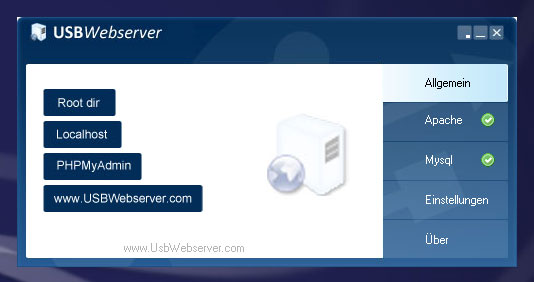
Test CMSimple easily, offline on your PC using USBWebserver.
CMSimple Basic
CMSimple Basic is similar in scope to CMSimple 3.4 from 2012, but features a more modern design and functionality.
- utf8 encoded
- fit for php 8.5
- 90 kByte Download
Templates
Responsive templates are suitable for all visual output devices, from smartphones up to HD screen.
Test the responsive templates of ge-webdesign.de:
Plugins
With plugins you can extend the functionality of CMSimple. There are Blogs, Comments, Photo Galleries, MultiMedia, MembersArea and much more.
Here you can find demos for most of the available plugins:
Sponsors Area
This is the place for banners and links to sponsors of CMSimple or any kind of advertising.
Become a CMSimple Sponsor »
You also can support CMSimple by donation:
